To send a marketing email, start from a list. Uddom walks you through choosing a template, picking the products to feature, previewing, and confirming the recipients before anything is sent.
Sending to a list#
- Open the list under Email Lists.
- Select the contacts you want to send to, or Select this page.
- Choose Send Email.
- Work through the five steps below.
The send steps#
| Step | What you do |
|---|---|
| Template | Choose a published template and use Preview Template to check it. |
| Products | Choose the products to promote in the email. This step is required — pick at least one product. |
| Preview | Check the email on desktop and mobile. |
| Confirm recipients | Review Eligible, Excluded and Over limit counts, then choose Send N Emails. |
| Result | See how many were Accepted and how many Failed. |
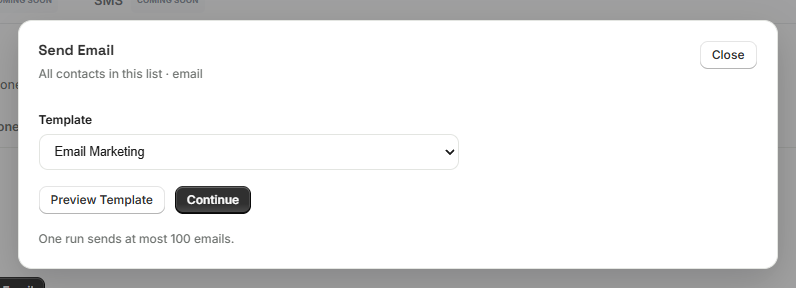 Send email: Template step
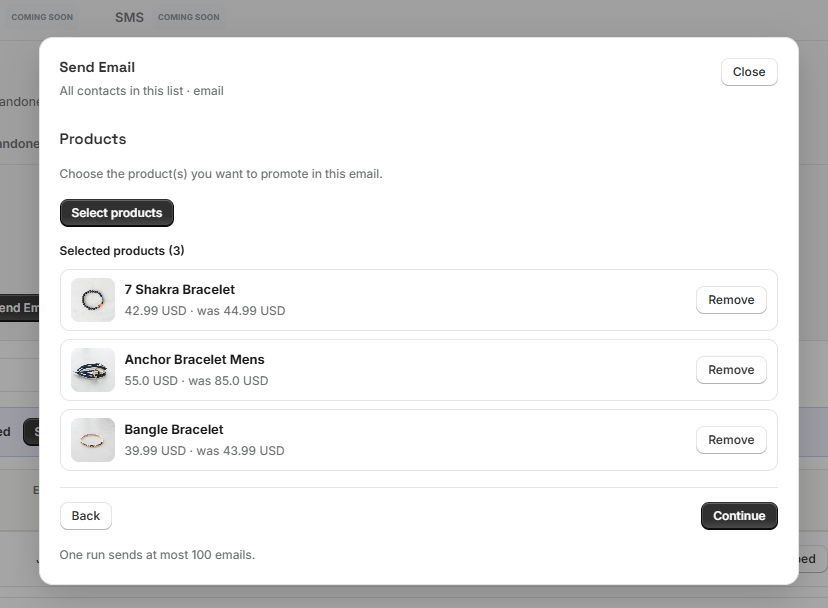 Send email: Products step
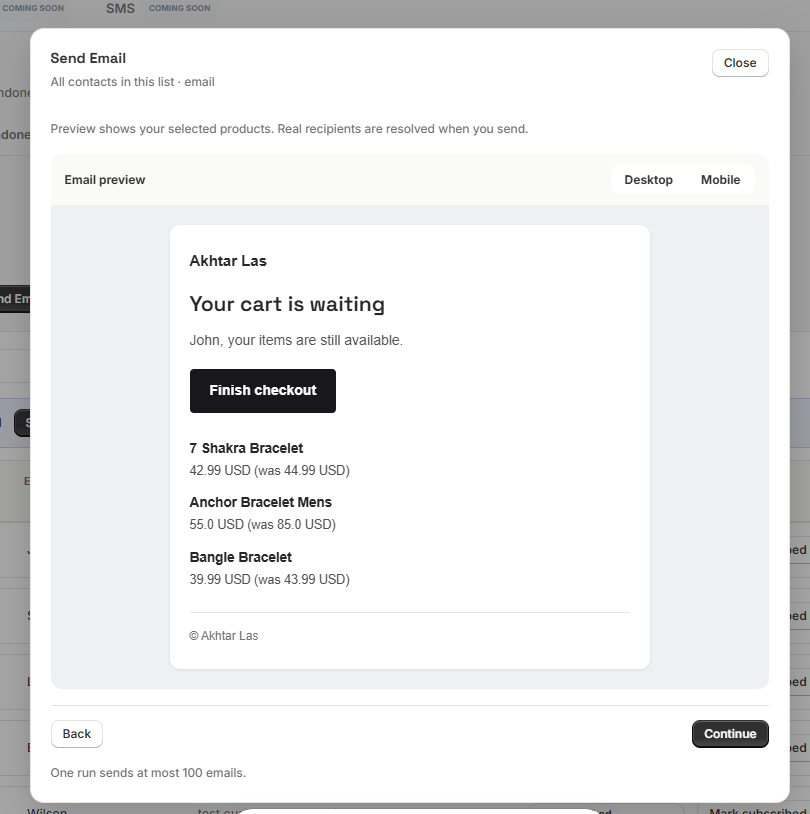 Send email: Preview step
Who receives the email#
Only contacts with the status Subscribed are eligible. Uddom shows you the numbers before sending:
- Eligible — contacts who will receive the email.
- Excluded — contacts who are not subscribed to marketing email.
- Over limit — contacts beyond what a single run can send.
Each send handles up to 100 recipients. If your list is larger, Uddom tells you how many are over the limit — send the rest in another run.
On the result screen, Accepted means your email provider took the message. It does not confirm the email was delivered.
Bulk email analytics#
Open rate, click rate, revenue and conversions for Bulk Email are not available yet, so Uddom does not show them. You will only see the send result (accepted / failed).
Best practices#
- Send to a focused selection rather than your whole list at once.
- Always preview on mobile before sending.
- Keep subject lines honest and specific.
Troubleshooting#
- “No published templates yet.” Publish a template of the right type under Settings → Email Templates.
- Everyone is excluded. Their status is not Subscribed. Import with the consent confirmation, or mark them subscribed in the list.
- Some contacts are over the limit. Send the rest in a second run.